 MakeSense
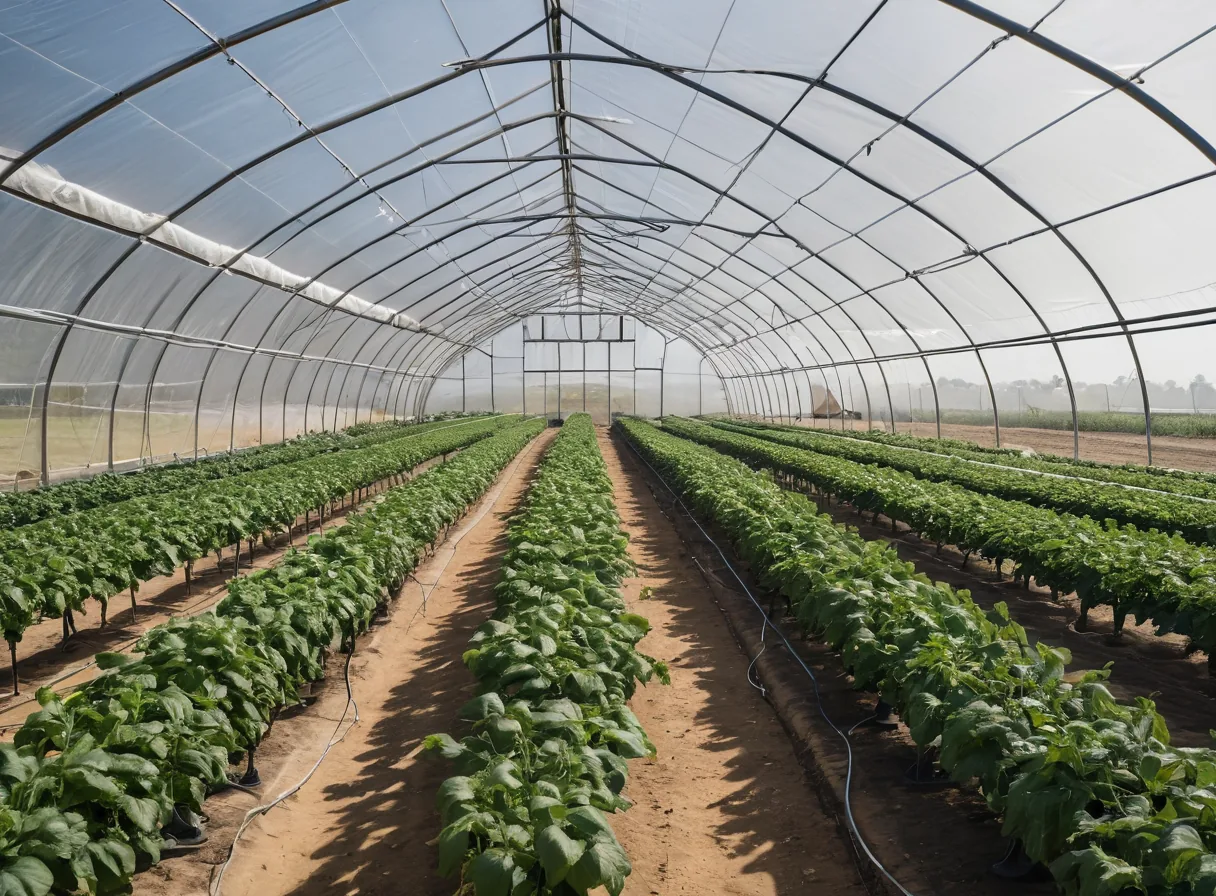 photo: tunnel interior
Tunnels and greenhouses
Ventilation opens above 28 °C and closes below 24 °C. Misting runs on a schedule, conditional on humidity.
temp > 28 °Cvents ON
MakeSense controllers read your sensors, execute the control logic you configure in the app, and switch the connected equipment: pumps, valves, fans, heaters, lighting and motors. All control runs on the controller. The cloud is used for monitoring, alerts and configuration.
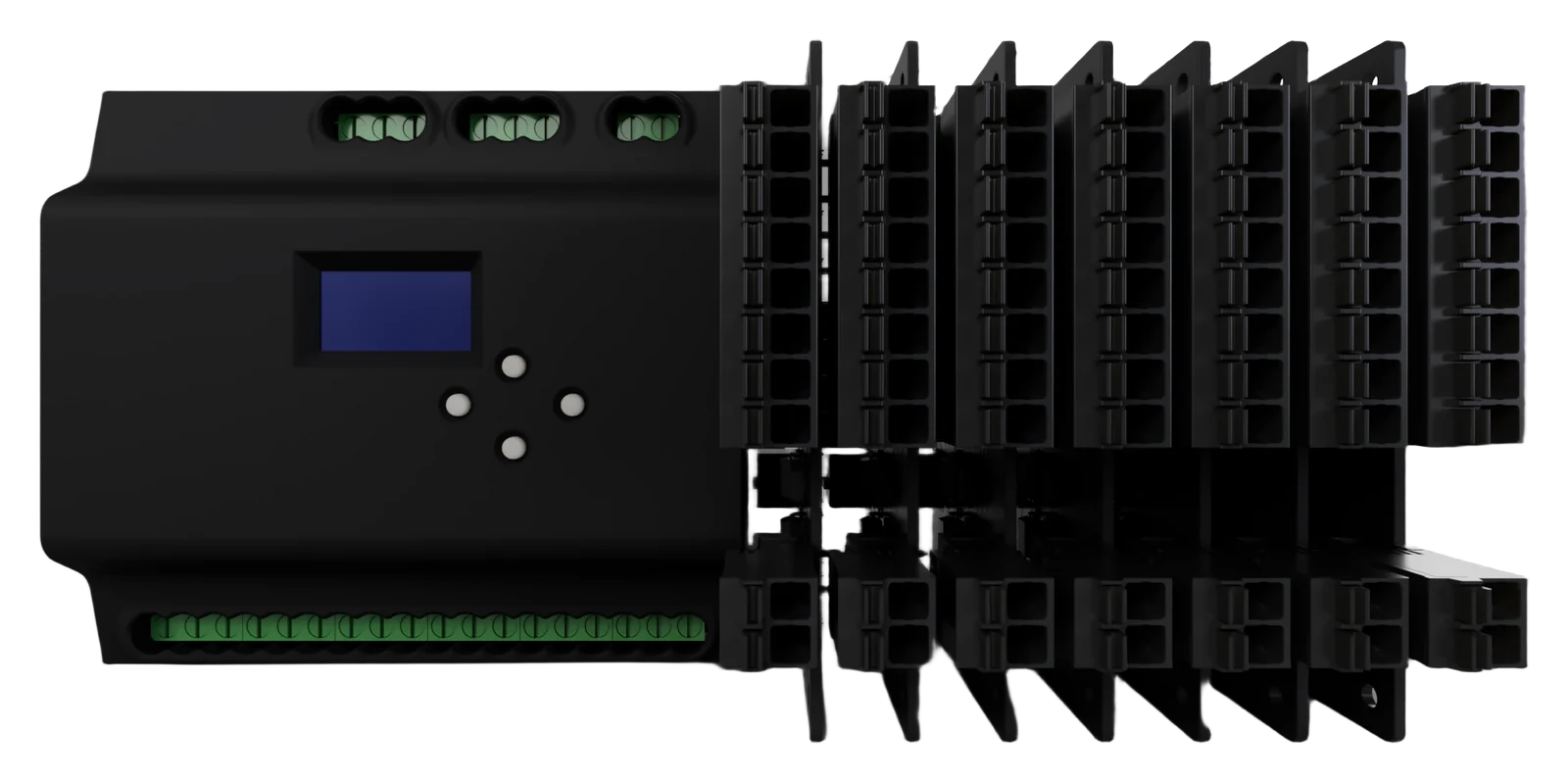
Two ESP32-S3 processors share the work. One manages network communication and the other runs only the control program, so a network fault cannot interrupt control. I/O modules clip on to the side as the installation grows.
 1
2
3
4
5
1
2
3
4
5
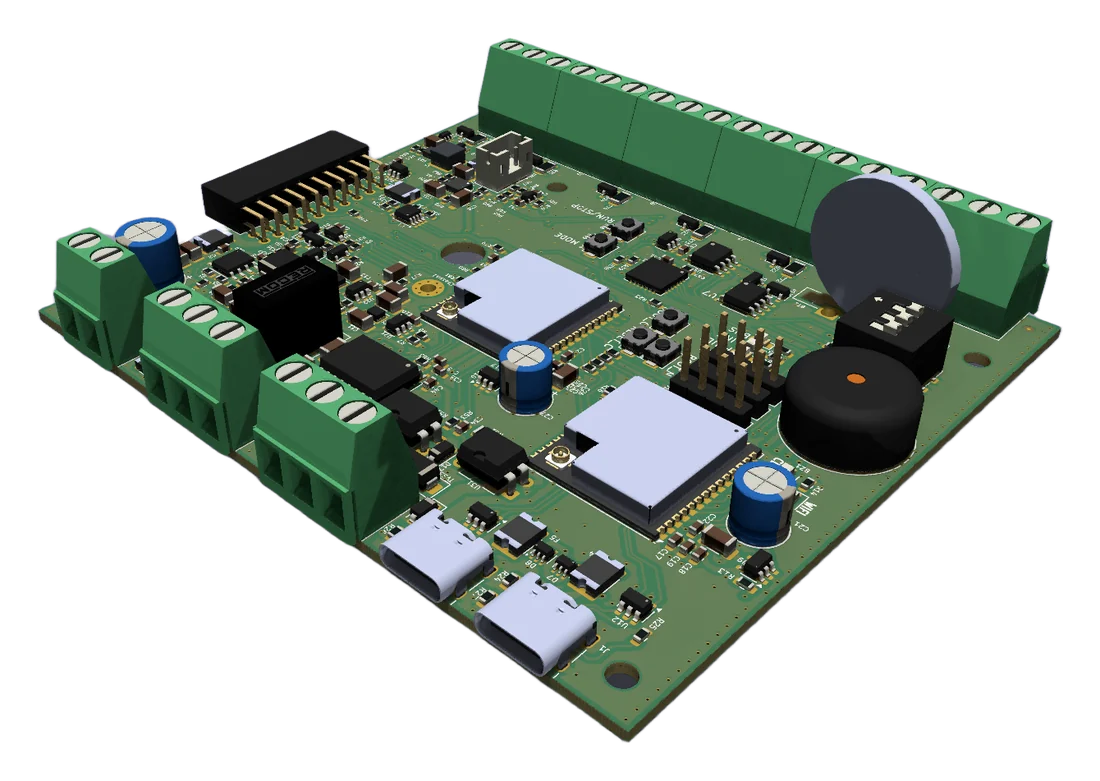
Prototype renders. The production unit may differ.
Build programs on a visual canvas from gates, timers, comparators and latches, or set up simple condition rules. Once downloaded, the controller evaluates every input and updates every output every 20 ms, independent of the network connection.
All rules execute on the controller. If the network fails or load-shedding takes the router down, outputs keep following the program and readings are stored locally until the connection is restored.
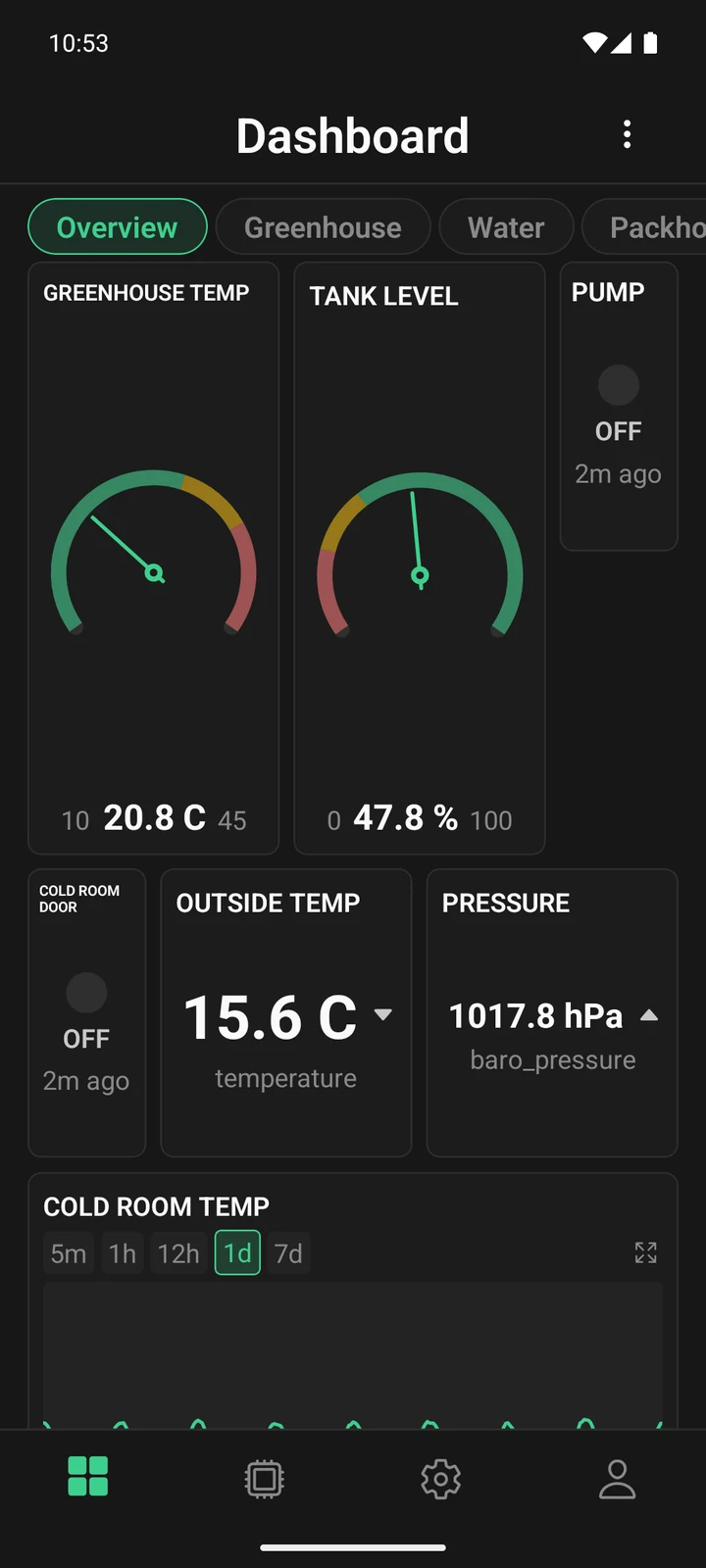 photo: tunnel interior
Ventilation opens above 28 °C and closes below 24 °C. Misting runs on a schedule, conditional on humidity.
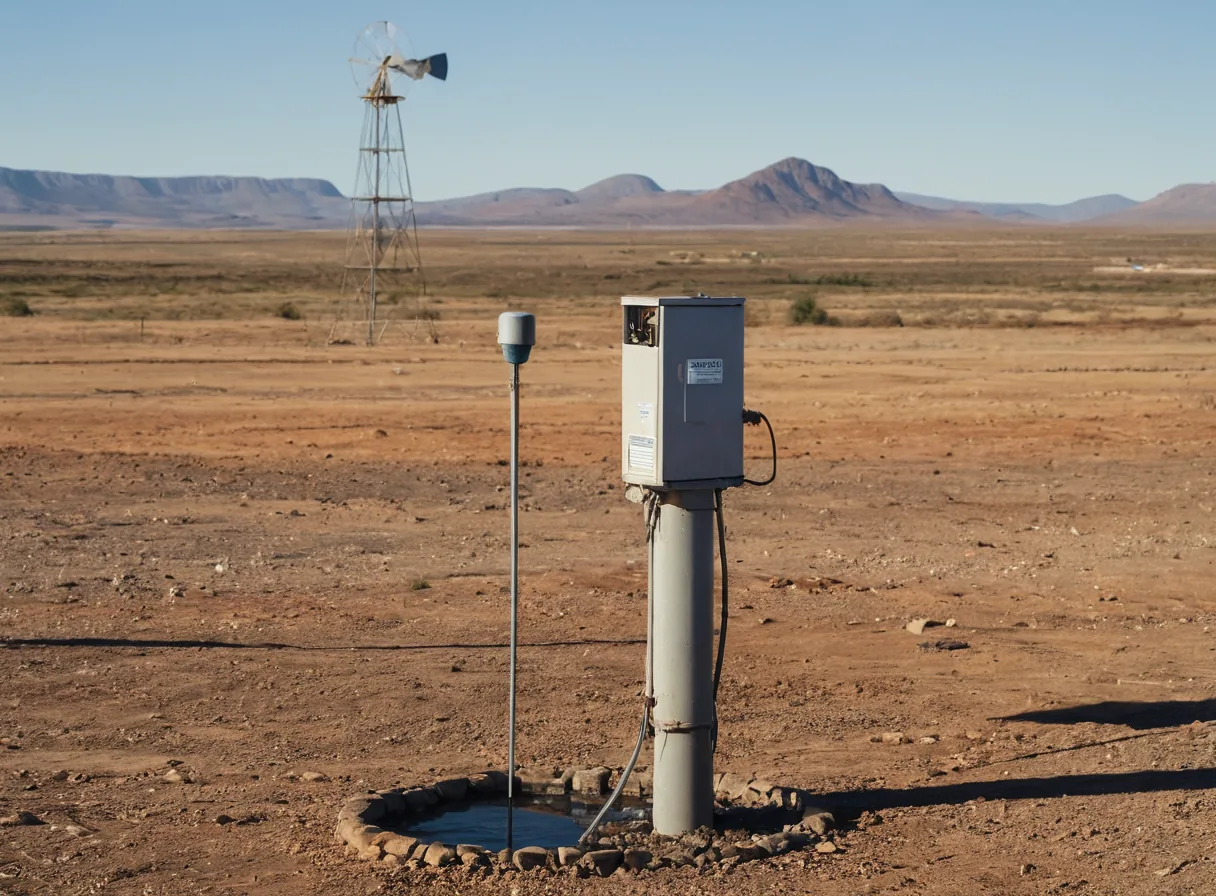 photo: borehole + dam
Pumping scheduled for off-peak tariffs, with a high-level cut-off and a stop on loss of the level signal.
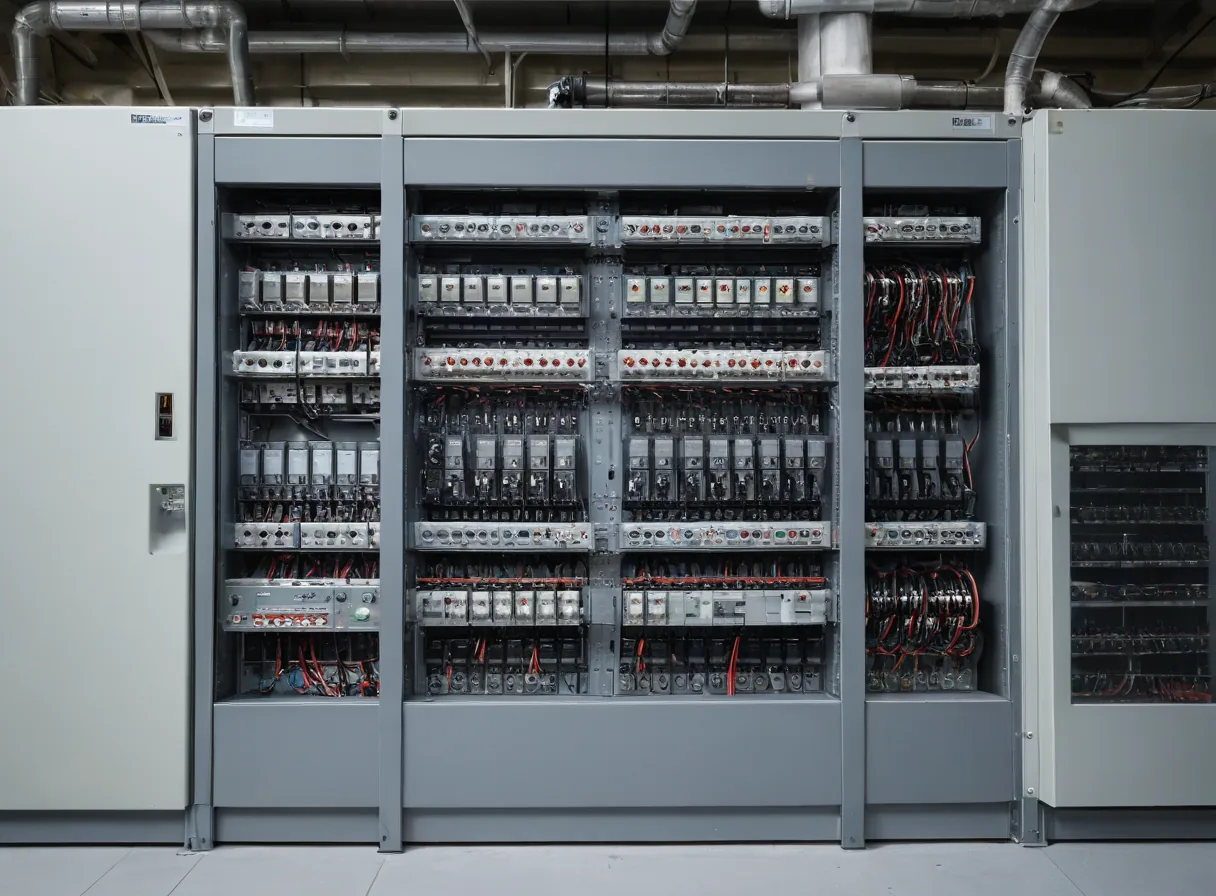 photo: factory control panel
After-hours shutdown of compressors, extraction interlocked with machine operation, and alarms on motor trips.
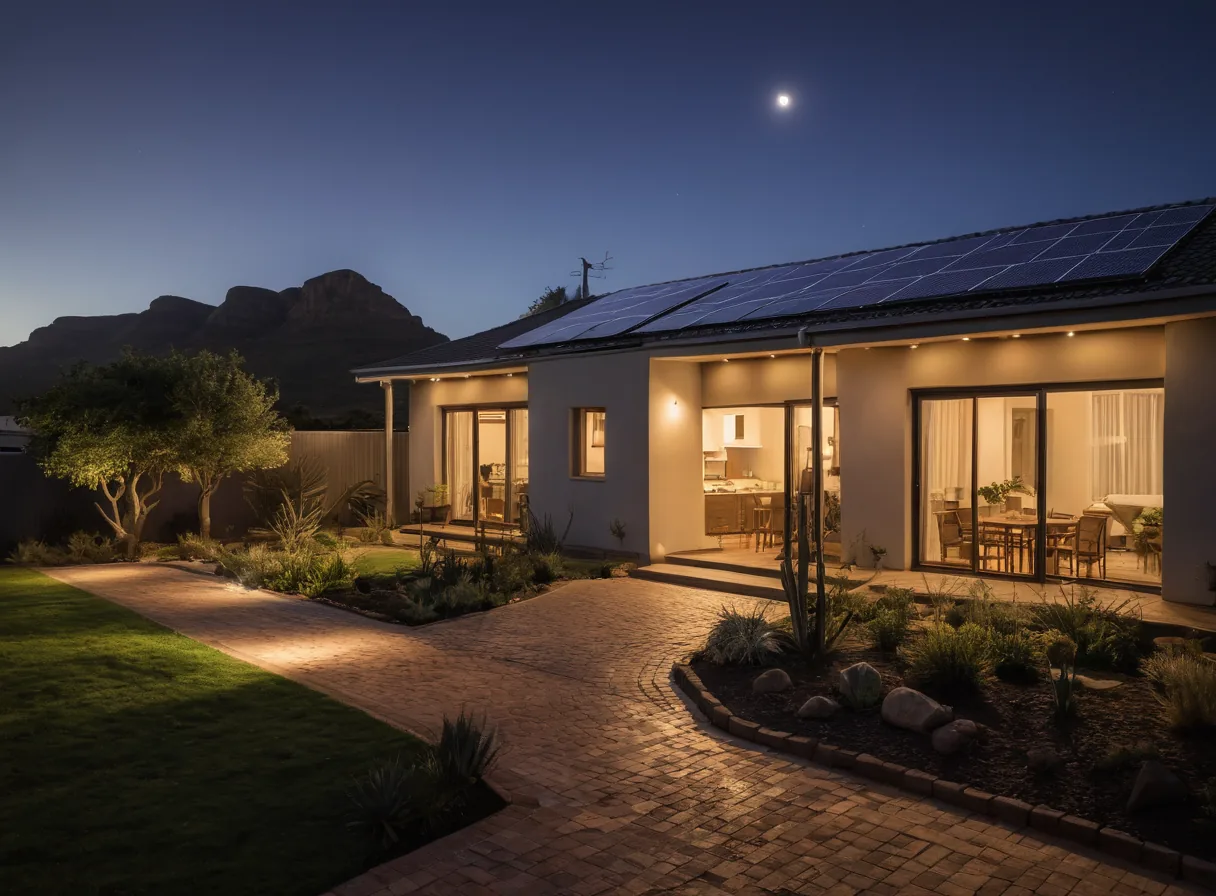 photo: home with solar
Geyser control from solar surplus, scheduled gate and garden lighting, and Home Assistant integration over MQTT.
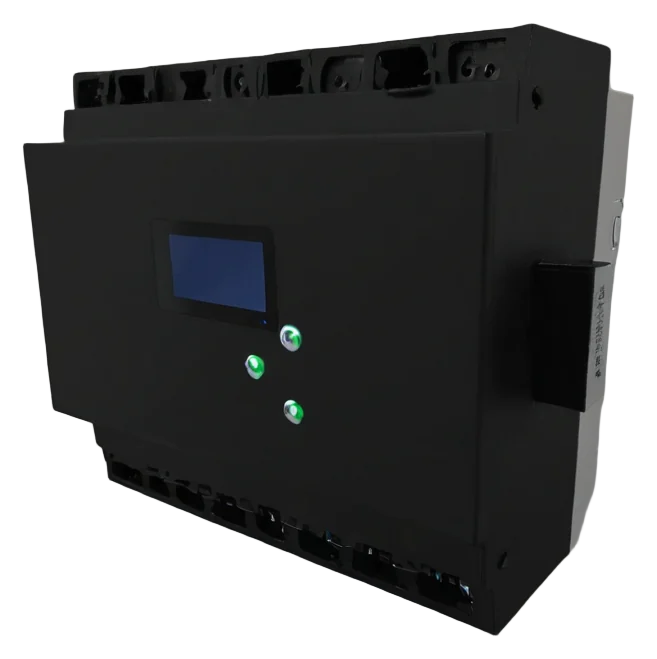 render: controller, 3/4 viewConcept image
Pre-wired enclosure. Terminal functions are assigned in the app.
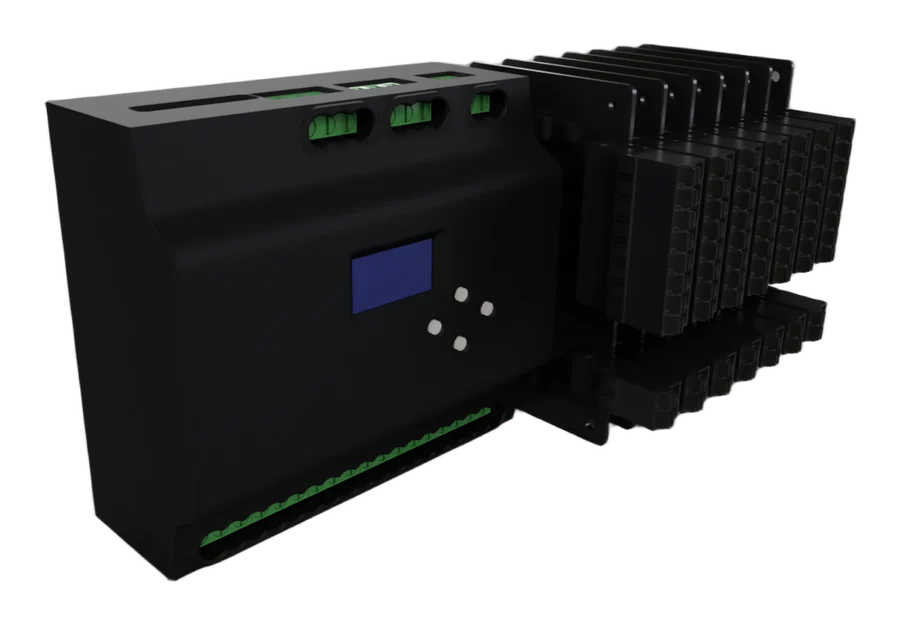 your render goes here
DIN-rail controller with a status display and clip-on I/O modules.
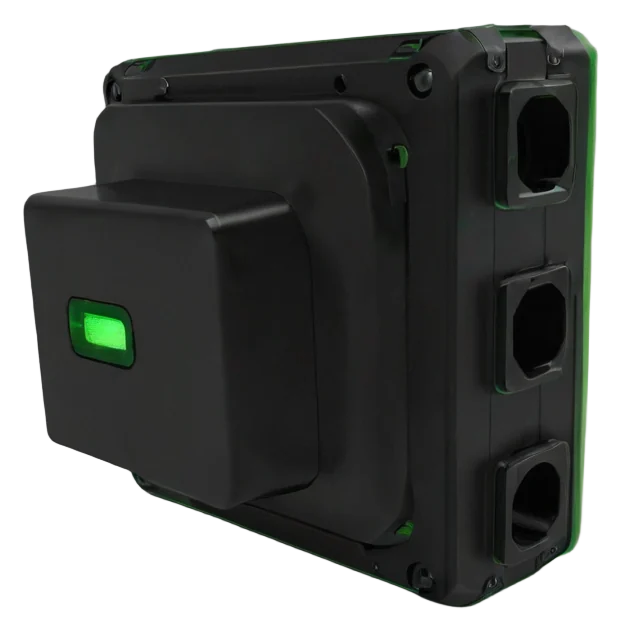 render: node on a tunnel postConcept image
Compact sensor node for remote points in tunnels and sheds.
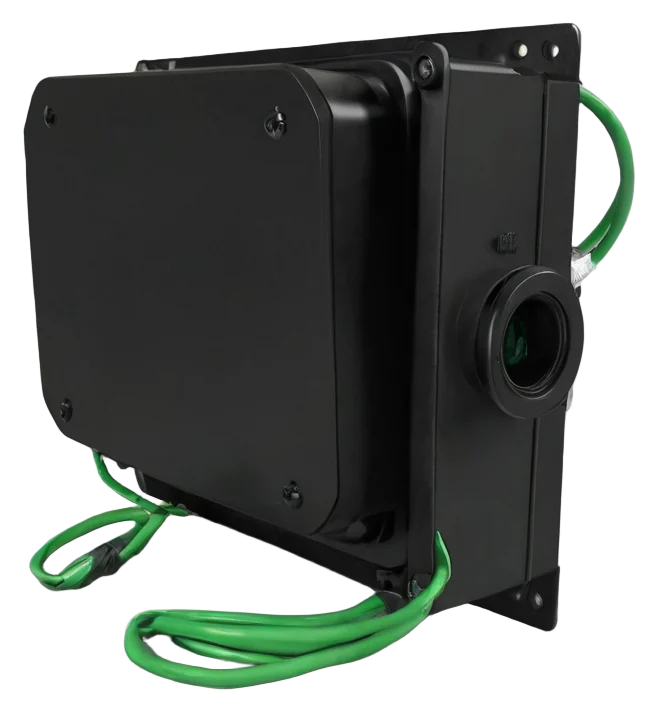 render: dam float + pump houseConcept image
Long-range radio link from a dam level sensor to the pump controller. No Wi-Fi needed at the dam.
Mount the controller on a DIN rail and connect the supply.
Connect probes, floats, switches and contactors to the labelled terminals.
The app connects over Bluetooth and configures the network settings.
Assign each terminal, build the control logic and download it to the controller.
Common environmental sensors are supported directly. Industrial transmitters connect to the 4–20 mA and 0–10 V analog inputs.
| Reading | Sensor | Range | Connection |
|---|---|---|---|
| temperature | SHT30 / SHT20 / BME280 / DHT22 | −40 … 125 °C | I²C / 1-wire |
| humidity | SHT30 / DHT22 | 0 … 100 %RH | I²C / 1-wire |
| pressure | BME280 | 300 … 1100 hPa | I²C |
| analog_1 … 6 | 4–20 mA and 0–10 V probes | 16-bit | Analog input |
| level | DamLink float node | 0 … 100 % | LoRa radio |
| weather_* | Met.no forecast for your site | 48 h ahead | Cloud |
Control continues without a network connection. Readings are buffered on the device and uploaded once the link is restored.
Firmware updates, configuration changes and new programs are sent remotely, without a site visit.
Grant read, write or admin access per device to staff, contractors or family members by User ID.
Placeholder tiers. Being reworked before launch.
Tell us about your application and we will contact you with availability and pricing.